7 Best Educational Apps for Kids Under 5 in 2026 (Tested by a Mom)
Last Tuesday, my 4-year-old quietly sat for 22 minutes—not watching a cartoon, but matching letter sounds to a happy monster on a screen. My 2-year-old? She was next to him, tapping a duck and shrieking "quack quack" with more delight than I'd seen all morning. I hadn't planned on becoming the mom who road-tests toddler apps like a product reviewer, but after downloading, deleting, and rage-quitting over 30 of them in the past year, I've become exactly that. The app stores are a minefield of flashy junk, sneaky subscriptions, and "educational" games that teach kids to watch ads. I wanted the real thing: apps that actually build skills, hold attention without overstimulating, and don't make me feel guilty about screen time. Here are the seven that survived my kitchen-table lab.
Why I Tested 30+ Apps to Find the 7 Best for Kids Under 5
Screen time guilt is a familiar knot in my stomach. I didn't grow up with tablets, and the parenting books I read during my first pregnancy painted a pretty bleak picture of digital babysitters. But reality—especially with two kids under five and a work-from-home schedule—looks different. A 2023 American Academy of Pediatrics statement moved beyond the old "no screens before 2" absolutism, emphasizing that quality and context matter more than raw minutes. That gave me permission to be curious instead of just ashamed.
So I went deep. I combed through Common Sense Media ratings, read parent forums, and asked preschool teachers what they actually use in their classrooms. Then I created a dedicated tablet profile with strict parental controls and sat down with my kids for weeks of real-world testing. My 4-year-old, Leo, is a puzzle-obsessed negotiator who will abandon any app that feels like a digital worksheet. My 2-year-old, Mira, is in that glorious cause-and-effect stage where tapping a cow that moos is peak entertainment. Between the two of them, I got a brutally honest focus group.
I tracked what made them laugh, what made them throw the tablet on the couch (yes, that happened), and what they asked to play again the next day. I also watched for the sneaky stuff: pop-up ads disguised as game buttons, characters that cry when you don't buy the full version, endless auto-play loops that make it impossible to stop. The apps on this list cleared every bar. They're not just "the best educational apps for kids under five" according to some algorithm—they're the ones my own kids actually use, learn from, and don't tantrum over when I say time's up.
What Makes an App Truly Educational for Ages 2–5?
Before you scroll the list, it's worth knowing the filter I used. The app stores are flooded with titles that slap "learn colors & shapes" on their description and call it a day. But real educational value at this age isn't about drilling flashcards digitally. Here's what I looked for:
- Open-ended play over passive consumption. If the app does all the thinking and the child just taps along with a narrative, it's entertainment, not education. The best apps let kids make choices, experiment, and see consequences—like stacking blocks that obey gravity or mixing colors to paint a monster.
- No ads, ever. I don't care if it's a "kid-safe" banner. If my 4-year-old can accidentally tap into a video ad for another game, it's off the list. Several apps I tested had ads disguised as treasure chests or "free gift" buttons. Those got deleted immediately.
- Skill-building in literacy, numeracy, or creativity. I wanted apps that map to something real: letter-sound correspondence, counting with one-to-one correspondence, fine motor control, spatial reasoning, or imaginative storytelling. Not just digital sticker charts.
- Age-appropriate frustration curves. An app that's too easy gets boring; one that's too hard triggers meltdowns. The sweet spot is a gentle ramp where a 2-year-old can succeed at early levels and a 4-year-old can find genuine challenge later on without hitting a wall.
I also leaned heavily on the NAEYC's position statement on technology in early childhood, which stresses that digital tools should be used in ways that promote interaction, not isolation. That's why every app on this list supports co-play—you can sit beside your child and talk about what's happening, which turns screen time into something closer to shared reading.
The 7 Best Educational Apps for Kids Under 5 (Ranked by My Kid's Actual Engagement)
1. Khan Academy Kids
What it teaches: Early literacy, math, social-emotional skills, logic.
If I had to keep only one app, this would be it. Khan Academy Kids is a library of activities wrapped in a cheerful animal-characters world, and it's genuinely free—no ads, no subscription nagging. Leo has worked through letter tracing, counting games, and short books read aloud by expressive narrators. Mira loves the "feelings" section where she taps faces to match emotions.
Real talk from testing: When Leo first opened it, he spent 10 minutes just feeding toast to a bear. I worried it wasn't "educational enough" until I realized he was practicing following two-step instructions and learning to drag and drop—foundational digital literacy for a kid who'd barely used a tablet. The adaptive learning path adjusts difficulty based on correct answers, so he never gets stuck, but also never coasts. The only downside: the app is huge (over 1GB), so you'll need space on your device.
2. Sago Mini School
What it teaches: Open-ended exploration, vocabulary, curiosity-driven topics.
Sago Mini World was already a staple in our house, but Sago Mini School takes it further with topic-based "schools" like bugs, rainbows, and trucks. Kids explore interactive scenes, learn new words, and create their own versions of what they discover. It's subscription-based ($4.99/month or $34.99/year), but there's a generous free trial.
Real talk from testing: Mira, at 2, spent a full 15 minutes in the "big trucks" school, dragging a cement mixer around and watching it pour. She started saying "mixer truck" at the park the next day—a word I hadn't taught her. The app is designed for solo play, but it shines when you sit together and narrate: "What's that truck doing? Where do you think it's going?" No ads, no upsells once you're subscribed, and the art style is genuinely beautiful, not saccharine.
3. LEGO DUPLO World
What it teaches: Spatial reasoning, problem-solving, creative construction.
This app bridges digital play and the physical DUPLO bricks many families already own. Kids build structures, rescue animals, drive vehicles, and solve simple puzzles across themed worlds like "farm" and "police station." It's free to download with one world included; additional worlds are $3.99 each or $14.99 for the full bundle.
Real talk from testing: Leo, who is a LEGO fanatic, initially found the virtual brick-placing a bit finicky. But once he got the hang of the tap-and-drag mechanics, he started building towers that wouldn't fall over (unlike real life, where his little sister is a demolition crew). I love that the app encourages trial and error: if you place a bridge wrong, the car can't cross, and the game gently prompts you to try again. A hidden win: after playing, he often goes to his physical DUPLO bin and recreates what he built on screen.
4. Pok Pok
What it teaches: Creative thinking, fine motor skills, cause and effect.
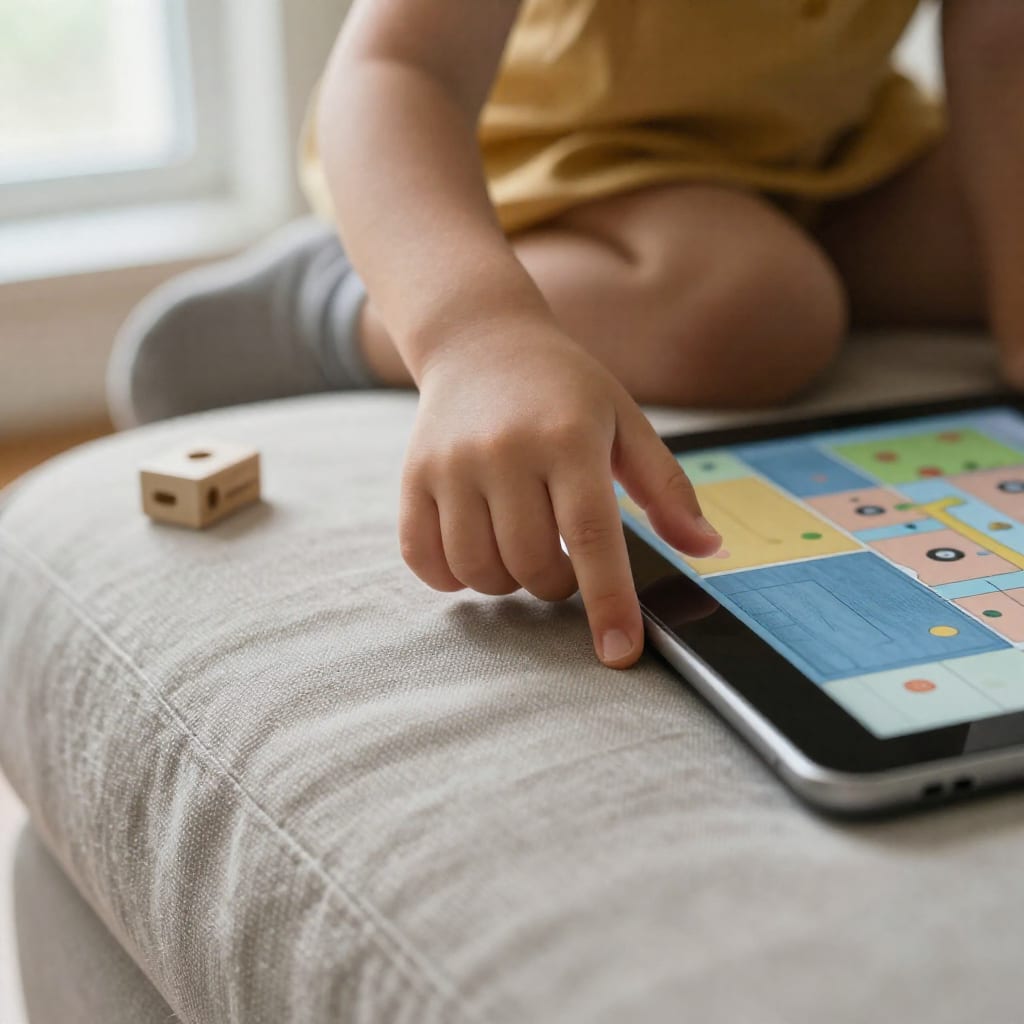
Pok Pok is a digital toy box, not a curriculum. It's a collection of beautifully minimalist "toys" like a gear board, a drawing pad, a marble run, and a town of quirky characters. There are no instructions, no right answers, and no levels to beat. It's subscription-based at $5.99/month or $39.99/year.
Real talk from testing: This is the app I open when I need my kids to calm down during a long wait. Mira loves the "busy board" toy with its switches and dials; Leo gets lost in the marble run for 20 minutes. Because there's no win state, there's no frustration—and no "I'm done!" after two minutes. The open-ended design means a 2-year-old and a 5-year-old can both enjoy it at their own level. My only gripe: the subscription price adds up if you're already paying for other apps, but the quality justifies it if you can swing it.
5. Endless Alphabet
What it teaches: Letter recognition, phonics, vocabulary.
From the makers of Endless Reader, this app turns letter-learning into a silly, monster-filled game. Kids drag animated letters into their correct spots to spell a word, then watch a short, funny animation that illustrates the word's meaning ("gargantuan" involves a monster eating a huge sandwich). The app costs a one-time $8.99, with no subscriptions or ads.
Real talk from testing: Leo already knows his letters, but Endless Alphabet taught him words like "cooperate" and "hilarious"—and he uses them correctly. The letter names are pronounced clearly, and the drag-and-drop mechanic is forgiving enough for clumsy preschooler fingers. Mira, at 2, just enjoys the monster sounds and watching the letters wiggle, but that's fine—exposure to letter shapes at this age is valuable. One caveat: the word set is fixed, so once your child has worked through all the words, there's no fresh content. But for $8.99, it's a solid one-time investment.
6. Toca Boca World
What it teaches: Storytelling, social-emotional skills, imaginative play.
Toca Boca World is a sprawling digital dollhouse where kids create characters, design homes, and act out daily-life scenarios—grocery shopping, going to the doctor, running a restaurant. The base app is free, but most locations and character packs cost extra (typically $0.99–$3.99 each).
Real talk from testing: I'll be honest: this one pushes the boundary of "educational" in a traditional sense. But watching Leo play "restaurant" with a digital family taught me that imaginative play is a skill, too. He narrated an entire storyline about a customer who was allergic to peanuts, and I heard him working through real-world social scripts. The downside is the upsell model—the free version is bare-bones, and a child will quickly bump into locked content. I bought a few location packs on sale and then disabled in-app purchases completely. If you do that, it's a wonderful, gentle sandbox.
7. Moose Math by Duck Duck Moose
What it teaches: Counting, addition, subtraction, geometry, measurement.
Part of the free Duck Duck Moose suite, Moose Math takes kids through a whimsical city where they help characters by completing math tasks—adding smoothies, sorting shapes, counting pets. It's completely free with no ads, funded by Khan Academy.
Real talk from testing: Leo, who claims he "doesn't like math," asked to play Moose Math three days in a row. The game cleverly disguises computation as helping: "Can you put 5 blueberries in this smoothie?" He doesn't realize he's doing addition. The difficulty scales well, starting with counting to 5 and moving up to simple word problems. For Mira, the shape-sorting activity is a hit. Because it's so focused on math, it's less of a general-purpose app, but as a supplement to the others on this list, it's unbeatable—especially since it's genuinely free.
How to Set Up Screen Time Boundaries That Actually Work with These Apps
I used to set a timer on my phone and dread the meltdown when it went off. Over months of trial and error, I've found a few strategies that make app time feel less like a negotiation and more like a natural part of our day.
Use the app's own timer, not yours. Several of these apps—including Khan Academy Kids and Pok Pok—have built-in "play time" settings. When the app itself says "time's up!" with a friendly character wave, my kids accept it far more easily than when I'm the enforcer. It depersonalizes the limit.
Co-play for the first five minutes, then fade. When I sit with Leo and Mira for the opening of a new app, asking questions and pointing things out, they stay engaged longer and transition out more smoothly. I learned this from a 2022 study on joint media engagement published in Pediatrics, which found that parent participation during screen time improves both learning outcomes and self-regulation afterward. After those first minutes, I can step away to switch laundry, and they're already in the zone.

Rotate apps, don't just add more. I keep only three or four apps visible on the tablet's home screen at a time, hiding the rest in a folder. Every week or so, I swap one out. This keeps the selection feeling fresh without constantly downloading new stuff, and it prevents the "I'm bored" reflex that comes from too many choices. Think of it like a toy rotation, but digital.
Anchor screen time to a real-world transition. In our house, app time happens after lunch and before quiet play. It's predictable, so there's no begging for it at other times. When the app ends, we have a consistent next step: "Now let's go build with blocks." The physical, hands-on activity helps reset their brains and reminds them that screens are just one part of the day.
One final mom-to-mom note: some days, screen time goes longer than I planned. A kid is sick, I'm on a work deadline, or I just need 30 minutes of silence. I've stopped beating myself up over it. The quality of the apps on this list means that even on the heavy-screen days, my kids are building real skills instead of zoning out to algorithm-fed videos. That's a trade-off I can live with.
Frequently Asked Questions
Are these apps really free or do they require a subscription?
Most on this list offer free trials or limited free content, but the full versions of Sago Mini School, Pok Pok, and LEGO DUPLO World require a subscription (typically $4–$6/month) or one-time world packs. Khan Academy Kids and Moose Math are completely free with no ads. Endless Alphabet is a one-time $8.99 purchase. I've noted which ones are worth paying for in each description above.
Can these apps replace preschool or a teacher's instruction?
No. Apps are a supplement, not a substitute. They can reinforce skills like letter recognition, counting, and creative thinking, but they don't replace the human interaction, hands-on play, and structured learning environment that preschool provides. Think of them as digital picture books or puzzles—great for practice, but not a curriculum.
What if my child loses interest in an app after a few days?
That's completely normal. Young children crave novelty. Rotate apps weekly instead of keeping all of them available at once. I also recommend choosing apps with varied activities—Khan Academy Kids and Pok Pok have broad content libraries, so even within one app, there's something new to discover each session.
Are there any hidden in-app purchases or ads I should worry about?
I specifically excluded apps with disruptive ads or sneaky upsells. However, Toca Boca World uses a "freemium" model with many locked locations and character packs that cost extra. Always check your device's parental control settings and disable in-app purchases before handing the tablet over. On iOS, go to Settings > Screen Time > Content & Privacy Restrictions; on Android, use the Google Play Store's parental controls.
My child is 2 and just started using a tablet—is that too young?
The AAP recommends no screens for children under 18 months (except video calls), and limited, co-viewed content for toddlers 18–24 months. For a 2-year-old, choose apps with simple cause-and-effect interactions, no ads, and always sit together at first. Sago Mini School and Pok Pok are great starting points because they don't require reading or complex navigation. Keep sessions short—5 to 10 minutes—and follow your child's cues.
Finding apps that genuinely teach without overstimulating feels like panning for gold in a river of sludge. These seven are the nuggets I'm keeping on my tablet. Worth bookmarking before your next cross-country flight or that long stretch of rainy afternoons when you've run out of Play-Doh and patience.